Public product tour

From customer request to an approved quote.

This tour describes the implemented Sorsivo workflow using illustrative, non-customer examples. It separates product behavior from customer-specific connections and production deployment proof.

Each downstream decision stays tied to current evidence.

The illustrations explain the workflow. They are not screenshots or evidence of a live customer deployment.

01

Capture and verify the request

Create a case from an approved mailbox or import a text-based PDF or XLSX. Sorsivo structures requested lines and keeps extracted values linked to the source page or spreadsheet cell for acceptance or correction.

A revised source is staged for review. Applying it makes affected supplier, pricing and quotation work stale so an older decision cannot pass as current.

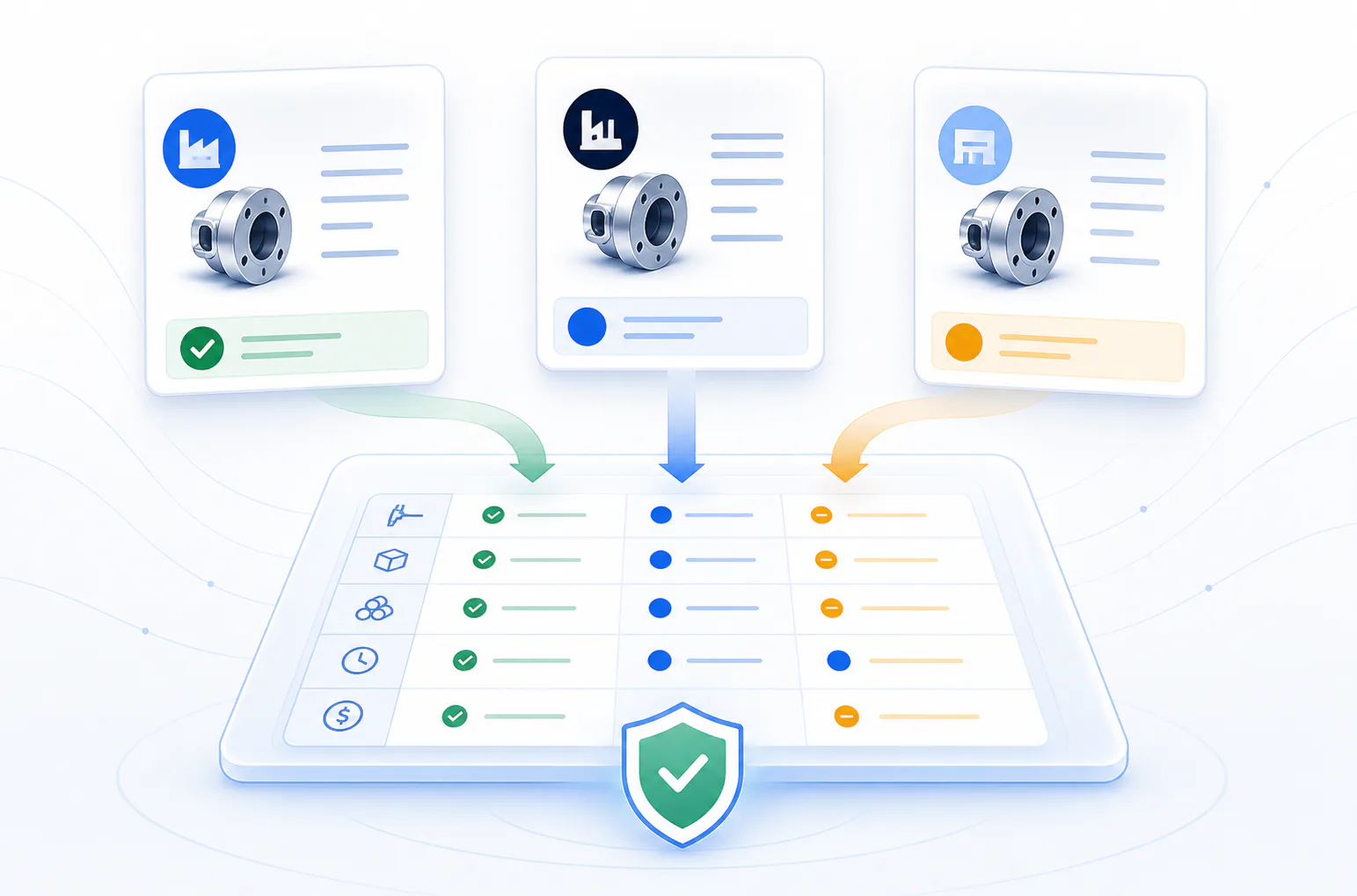
Illustration of email, PDF and spreadsheet inputs becoming a structured RFQ
Workflow illustration · non-customer data.
02

Prepare supplier coverage

Work from verified request lines, review suggested suppliers and prepare customer-redacted supplier requests. Supplier messages remain drafts until an authorized person approves the exact content and recipient.

Teams can also attach supplier PDF or XLSX offers directly. Suggestions never select a supplier automatically, and approval does not by itself prove that a message was delivered.

Illustration of supplier offers arranged for line-level comparison
Workflow illustration · non-customer data.
03

Compare evidence and prepare pricing

Map supplier or authorized catalogue evidence to each requested line. Missing fields, partial quantities, alternatives, deviations, validity and lead time remain visible; ranking is withheld when the basis is not comparable.

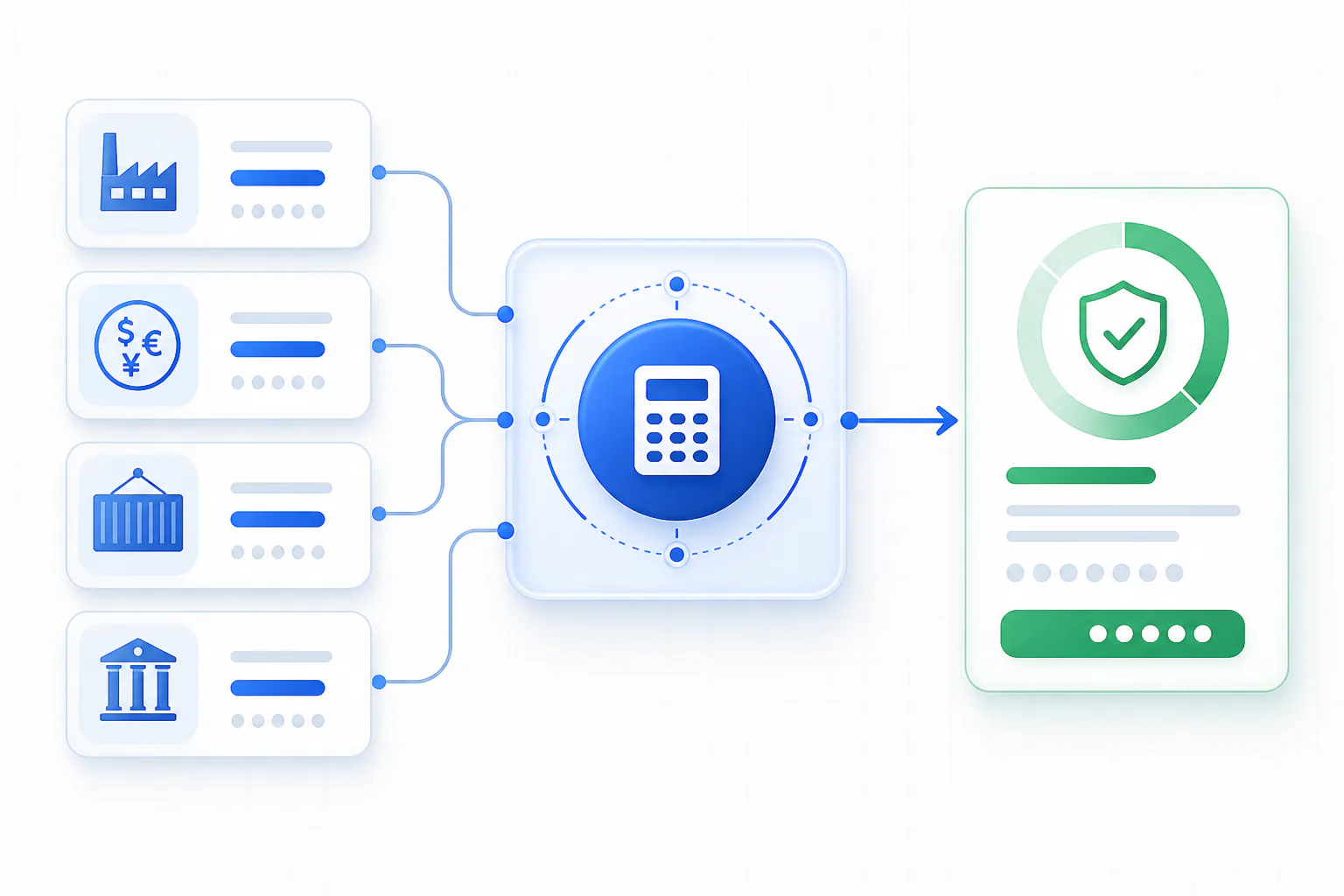
Historical prices provide context but cannot price a quote. A versioned pricing scenario records governed currency, freight, duty, handling, VAT and purchase quantity inputs. Supplier cost can receive margin or markup; an authorized catalogue selling price is not marked up again. Unknown inputs remain blockers or explicit exclusions, and partial quotation scope stays visible.

Illustration of supplier cost and governed commercial inputs flowing into a pricing review
Workflow illustration · non-customer data.
04

Approve the quote and customer email

A selected pricing scenario can produce a versioned customer quotation PDF and editable XLSX, together with internal review files and a prepared customer email. The customer files exclude supplier buy prices and internal diagnostics.

Required quotation approvals bind to the reviewed revision and content before the current PDF and XLSX become available. Sending is a separate step: an authorized reviewer approves the exact recipient, message and attachment before a configured send path can be queued.

Illustration of a quotation package passing through review and approval controls
Workflow illustration · non-customer data.

Controls stay visible at the point of decision.

Sorsivo preserves source references, versions, unresolved scope and approval records across the case. A missing value remains pending, and a changed source invalidates affected downstream work.

  • ✓Text-based PDF and XLSX import, plus approved mailbox intake
  • ✓Source-linked review and correction
  • ✓Supplier-offer, catalogue and commercial exception handling
  • ✓Versioned PDF and editable XLSX quotation output
  • ✓Quotation approval, change controls and customer-email review

Local synthetic verification has produced an approved quotation and downloadable PDF and XLSX files whose values and stored hashes were independently reconciled. An export-layout edge case and the correction-and-reapproval replay remain open; this is not proof of production mailbox sending or a customer deployment.

Evaluate with evidence

Bring one representative RFQ.

We'll map the workflow beside your current process and define success criteria before any live system is connected.Book your 30-minute RFQ review ↗